🚚 Free Worldwide Shipping on All Orders!Shop Now



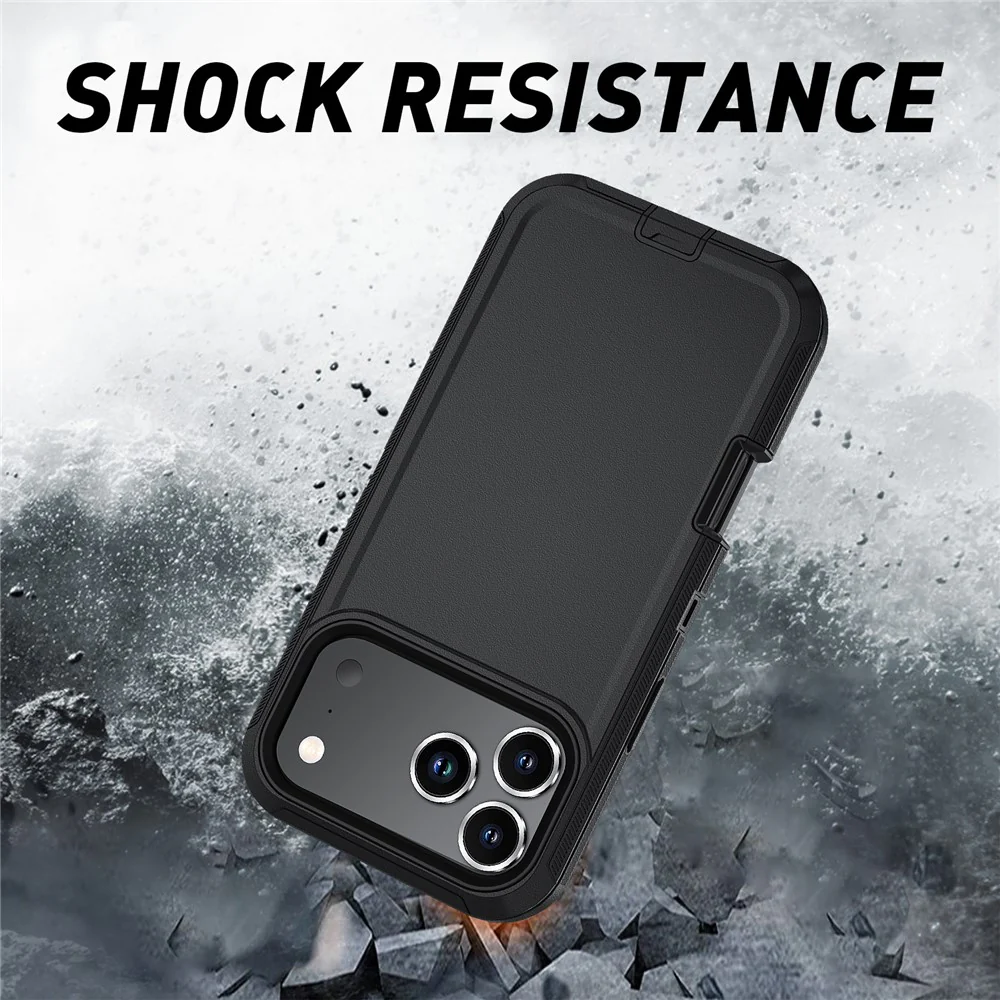

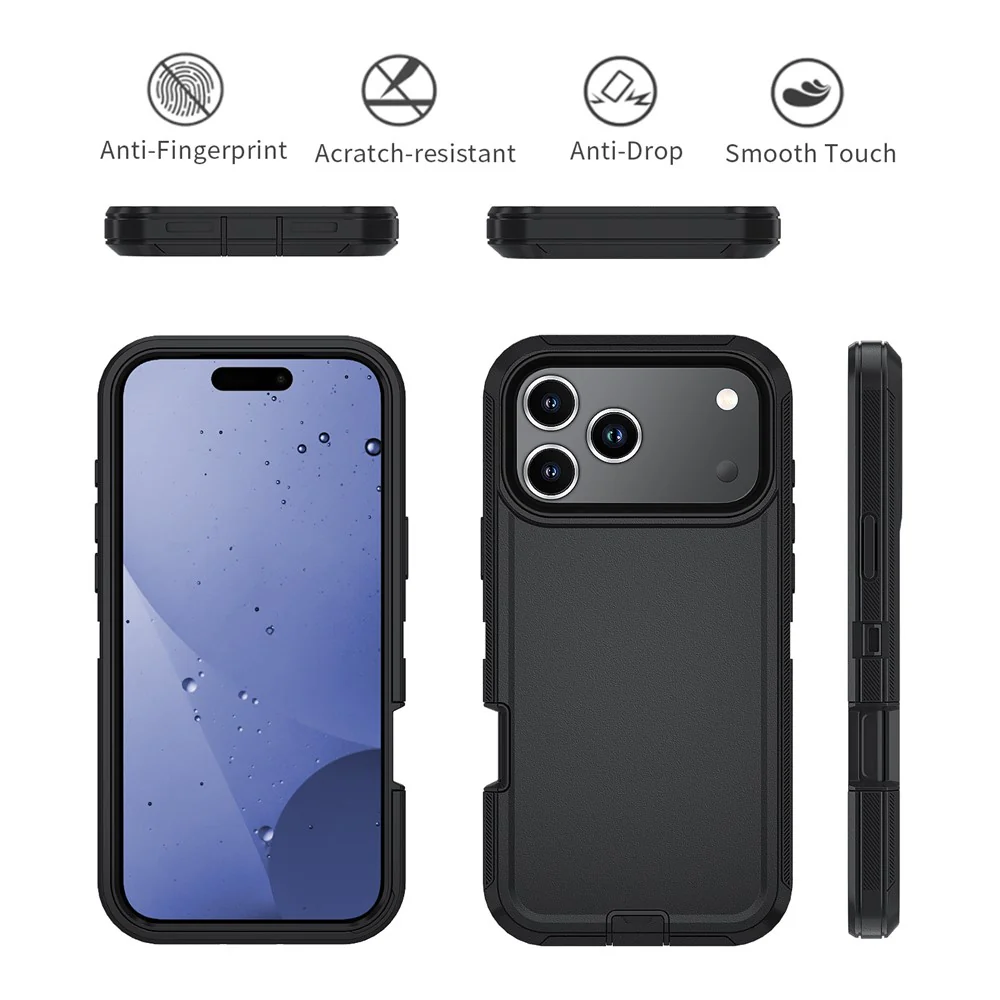
For iPhone 17 Pro Max Case Detachable PC + TPU Drop-Proof Back Cover - Black
- ?Premium Material? Constructed with high-quality PC+TPU material, offering durability and long-lasting protection for your device
- ?Full Functionality? Precise cutouts ensure complete access to all ports, buttons, and features without removing the case
- ?Elevated Protection? Raised bezels around the screen and camera offer superior protection from scratches and daily wear
- ?Ultimate Shock Resistance? Effectively safeguards your phone from everyday drops, shocks, dust, and impact
- ?Wireless Charging Compatible? Designed to be fully compatible with wireless charging, ensuring convenience without removing the case
Installation Steps:
- 1. Take out the case and split the multi-layer structure mobile phone case, install the inner layer first
- 2. Put the phone into the bottom of the back cover of the protective case and put on the interface dustproof cover
- 3. Put the hard inner shell into the TPU shell and gently press around the shell to make the shell closer to the phone
Note: No front cover, no protective film.
$4.71
For iPhone 17 Pro Max Case Detachable PC + TPU Drop-Proof Back Cover - Black—
$4.71
Product Information
Product Information
Shipping & Returns
Shipping & Returns
Description
- ?Premium Material? Constructed with high-quality PC+TPU material, offering durability and long-lasting protection for your device
- ?Full Functionality? Precise cutouts ensure complete access to all ports, buttons, and features without removing the case
- ?Elevated Protection? Raised bezels around the screen and camera offer superior protection from scratches and daily wear
- ?Ultimate Shock Resistance? Effectively safeguards your phone from everyday drops, shocks, dust, and impact
- ?Wireless Charging Compatible? Designed to be fully compatible with wireless charging, ensuring convenience without removing the case
Installation Steps:
- 1. Take out the case and split the multi-layer structure mobile phone case, install the inner layer first
- 2. Put the phone into the bottom of the back cover of the protective case and put on the interface dustproof cover
- 3. Put the hard inner shell into the TPU shell and gently press around the shell to make the shell closer to the phone
Note: No front cover, no protective film.